Eve assistant
How to ask Eve about your Reservine settings, let her prepare a change and approve it safely.
Eve assistant
Eve is a conversational assistant inside the admin. You ask her how your reminders are set up and she reads it from your account. You tell her "send a voucher after the fifth slot" and she prepares an automation. She never acts on her own, though: you see every change beforehand and you are the one who confirms it.
Where to find it
Eve has two entry points:
- The Ask Eve button in the header of the Settings section. It opens a side panel in which you can keep working with the settings.
- The Eve assistant (Asistentka Eve) item in the main admin menu. It opens a full-page conversation.
In the panel's top right there is an Open as a page icon. It expands the same conversation to a full page, so nothing is lost. The page address carries the conversation identifier; after a page refresh you continue where you left off.
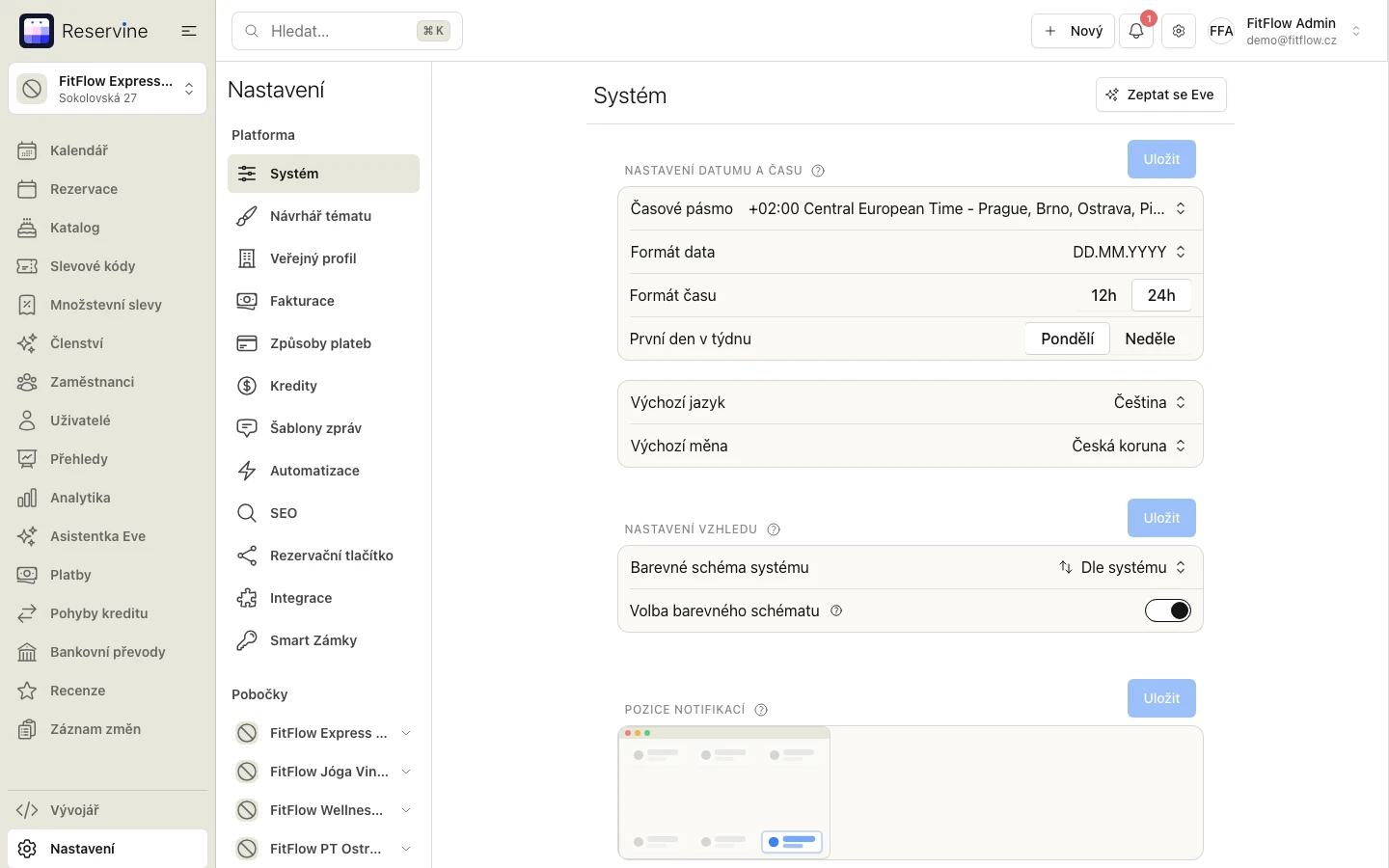
What Eve knows
Eve works as you. She sees only what your account has permission for, and only within your business. She also knows the context in which you open her:
- which admin page you are currently on,
- which branch you have selected.
That is why it is enough to say "turn on the SMS reminder here" and Eve knows which branch you mean. If you switch the branch or the page, the next message goes with the new context.
What Eve can do
Read and explain
Eve can go through the account and branch settings and answer questions such as "when do reminders go out", "which pricing rules apply at the weekend" or "which automations are enabled". She adds links straight to the relevant admin page in her answers.
Prepare a change
Eve can prepare a change in these areas:
| Area | What Eve prepares |
|---|---|
| Branch reservation settings | Editing individual fields, for example the cancellation window or horizon |
| Pricing rules | A new rule, editing or removing an existing one |
| Branch notifications | Events, channels, reminder times |
| Message templates | A custom version of a template for a language and channel, or a return to the default |
| Automations | A new rule, editing, enabling or disabling, message text |
A change always goes the same way: Eve prepares it, shows you a preview (what changes, from which value to which, with what side effects), you confirm it, only then is it executed and Eve verifies that the result matches. Every executed change is written to the account's audit log.
When Eve asks
Eve does not guess when a guess would change a count, money, a recipient, a time or a scope. She asks, for example:
- Do you mean the whole reservation, or a single slot? One reservation can have several slots, which changes when the rule fires.
- Does it apply to the current branch, or to all of them?
- Does "50 %" mean half of the base price, a 50 % discount, or a fixed amount?
- Should the new automation be enabled immediately?
A new automation stays disabled until you explicitly say in the confirmation that it should run right away.
What Eve will not do
Some operations deliberately stay outside Eve and you do them by hand in the admin:
- refunds and any changes to billing or credits,
- login details for integrations and smart locks,
- deleting records,
- physical actions with locks.
On these topics Eve tells you where to find it, but does not prepare the change.
Permissions
Eve has two permission levels in user roles:
- EveAssistant.View: open Eve, ask questions, have changes prepared.
- EveAssistant.Modify: confirm and apply a prepared change.
Without Modify you will see a notice in the panel saying that you can browse settings and prepare changes with Eve, but applying them requires the EveAssistant.Modify permission. Besides the role, Eve must also be enabled for the whole account; that is set by the platform administrator.
Frequently asked questions
Eve says she is disabled or unavailable. The text "The AI assistant is not enabled for this account" means a missing permission or a disabled account; ask your administrator. "Eve is not available right now" is a temporary outage, use Try again.
The conversation reached its message limit. Every conversation has a cap. Start a new one; the previous changes are already executed and recorded.
Can Eve break the settings? Not without you. Before executing, Eve re-checks your permissions, the current state of the settings (so she does not overwrite a change a colleague made in the meantime) and the validity of every operation. When something does not add up, she rejects the change and says why.
What if I describe a rule Eve cannot do? She replies that it is not supported and points you to the right place in the admin, for example automations.